
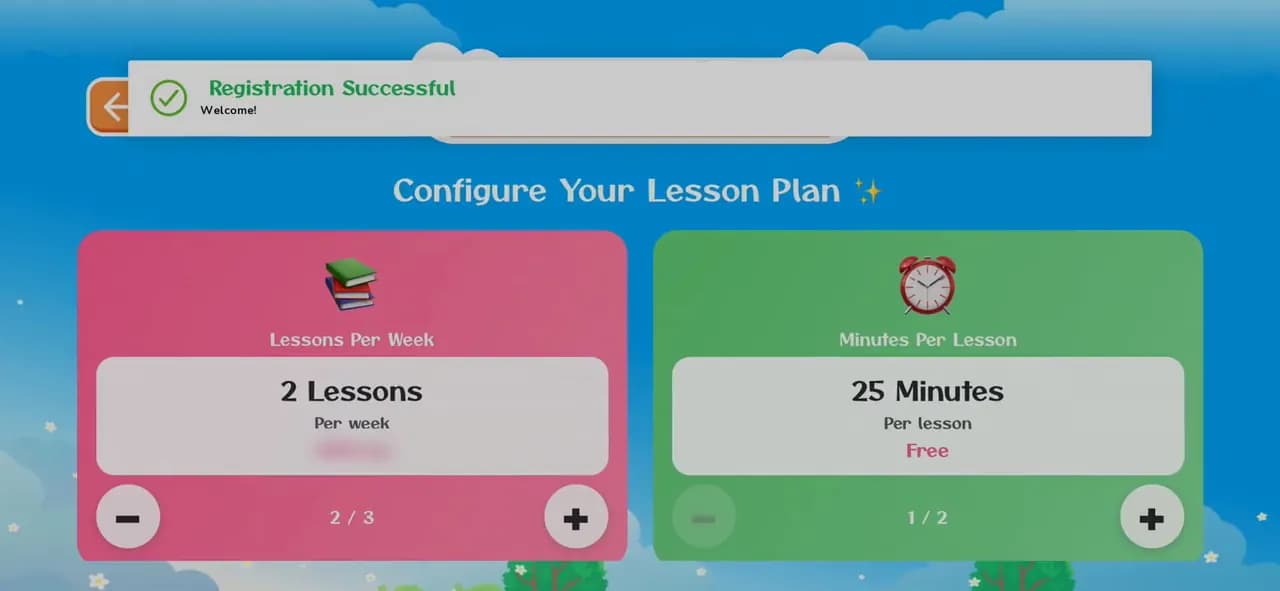
How to create a KidsLingua account
Sign up in the app in under a minute: your name, email and a password. The phone number and invite code are optional.
8 illustrated steps
Help
Short videos of the app with every step written out and pictured, so you can follow along on your own phone.

Install the app, sign in and set up your family.
Sign up in the app in under a minute: your name, email and a password. The phone number and invite code are optional.
8 illustrated steps
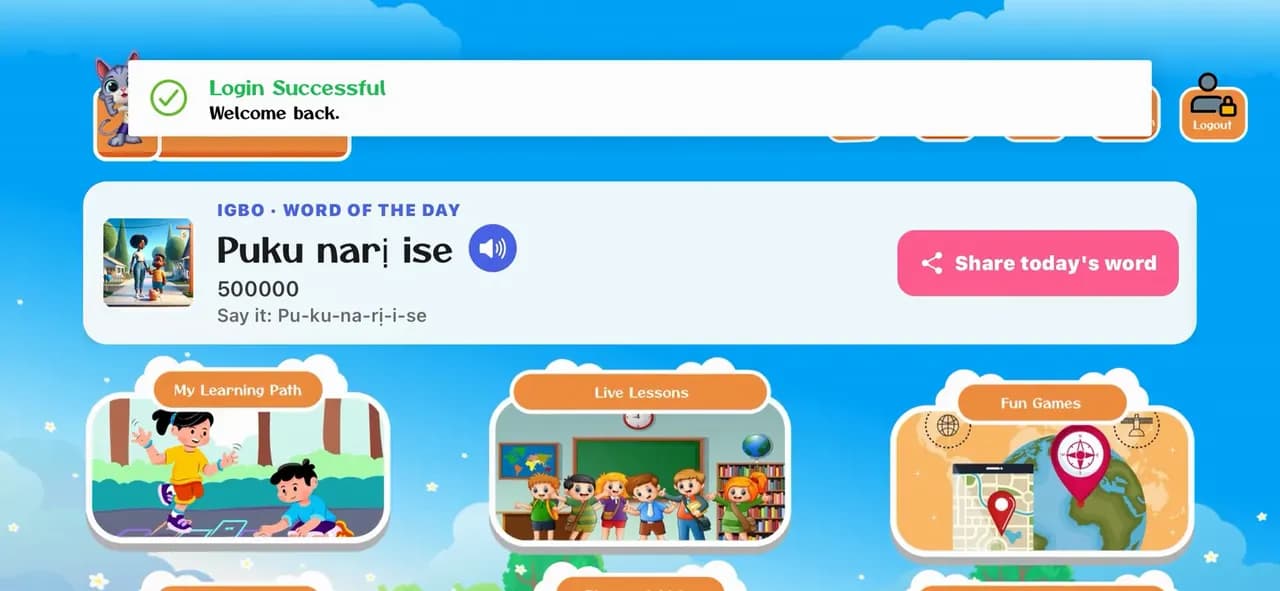
Open the app, pick a language and log in with your family's email and password, so your child's profile and progress are there.
6 illustrated steps
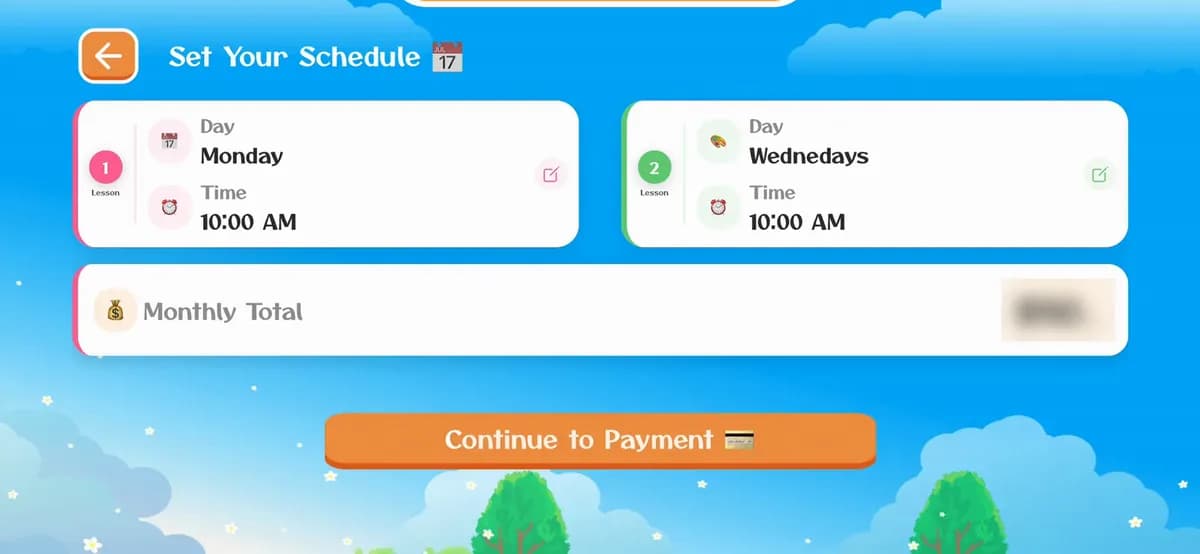
Enroll your child in live lessons with a teacher: choose how many lessons a week and how long, pick the days and times, then pay by card. The enrollment shows on the profile straight away.
8 illustrated steps
How the lessons on the path work, and how the games follow them.
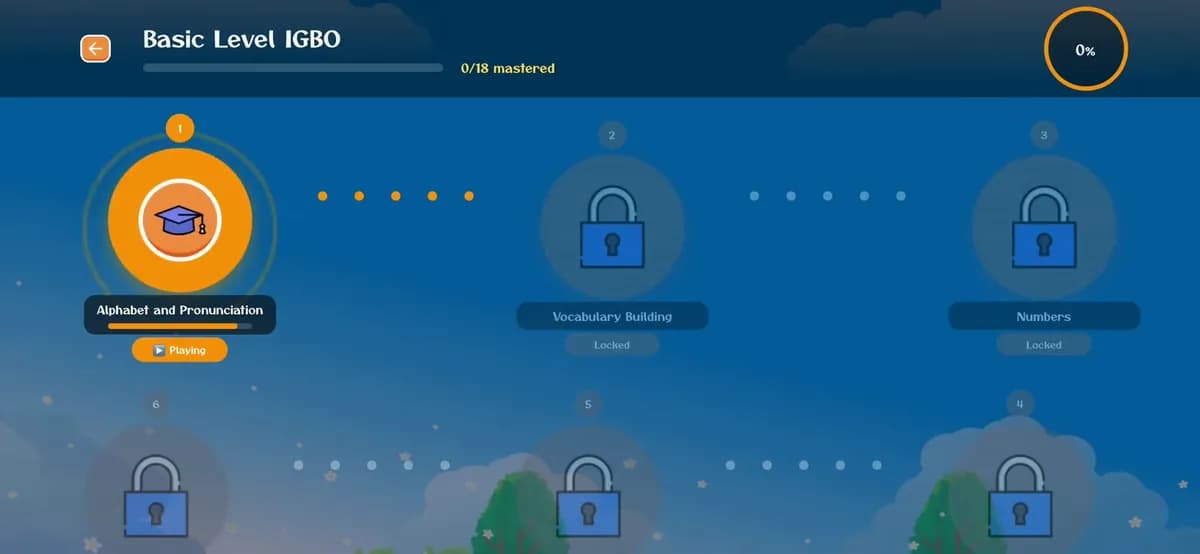
My Learning Path takes your child through lessons in order. The games teach whichever lesson they're on, and once a lesson is mastered the next one opens.
10 illustrated steps
Games, flashcards and the word of the day.
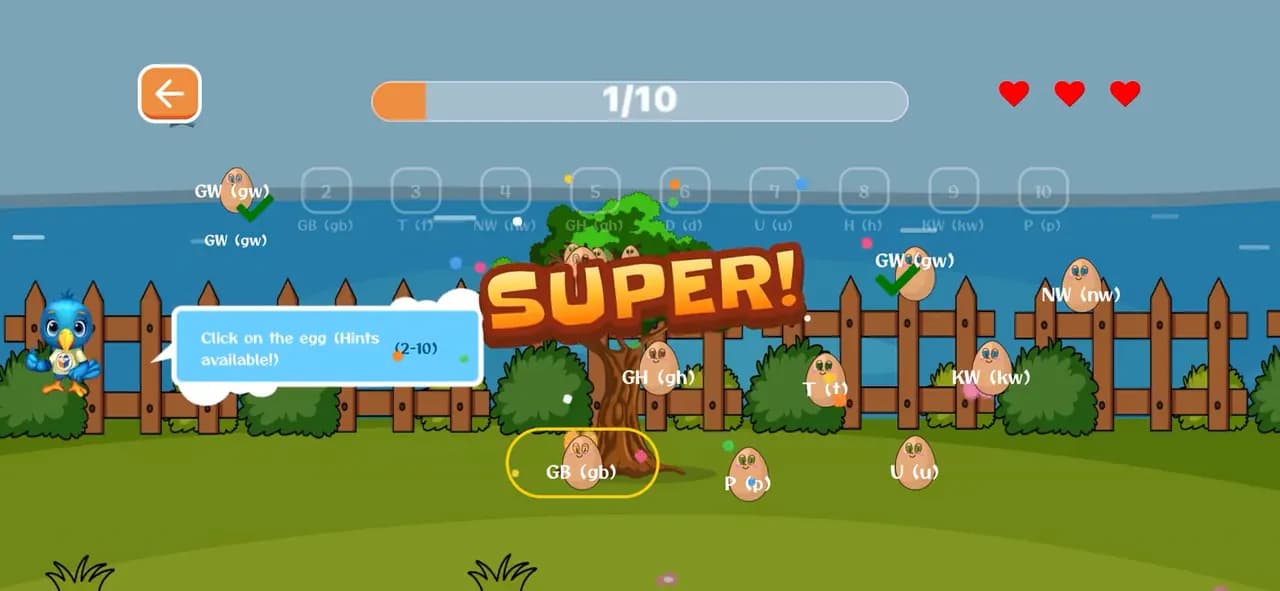
Three games, start to finish: Connect the Egg, the Listening Puzzle and the DragName Game. Each one teaches letters and words with sound, and every right answer opens a word card to listen to.
10 illustrated steps
More guides are on the way. Until then, send us a message and we'll help you.
Start free today, or leave your email and we'll send you new languages, stories and family tips.
Start learning freeOr get updates by email